Elevate Your Designs with Premium Brushed Steel Metal Textures
In the world of digital design, texture is often the unsung hero that transforms a flat, lifeless composition into something tangible and engaging. Among the most versatile and sought-after surface finishes are brushed steel metal textures. These materials offer a unique blend of industrial ruggedness and sleek modernity, making them a staple for designers across various industries. Whether you are crafting a corporate identity, designing packaging for a luxury product, or creating digital scrapbooking layouts, the right metal texture can define the entire mood of your project.
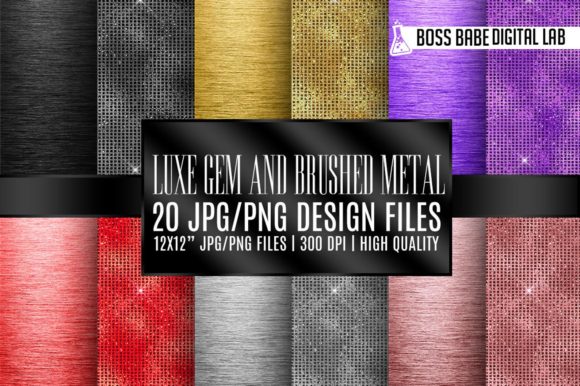
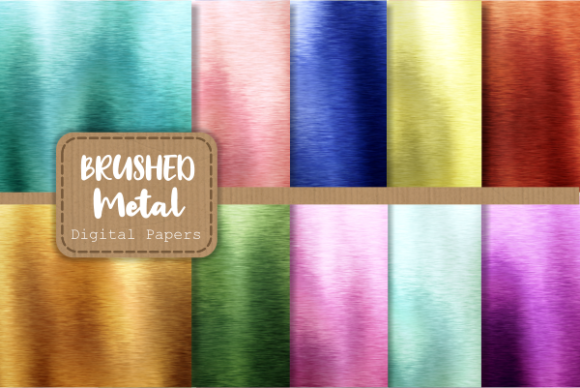
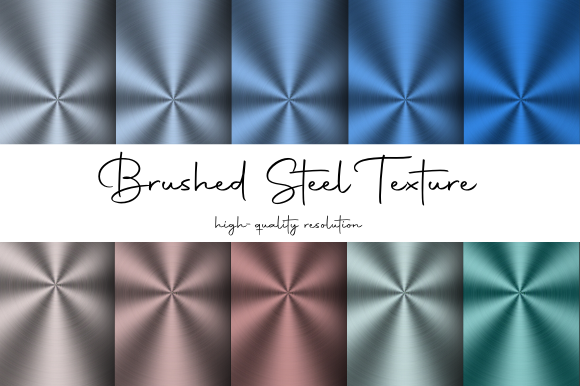
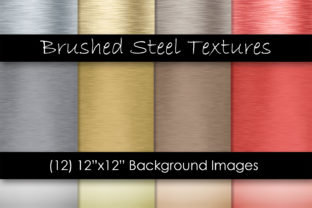
This collection features 12 high-quality brushed steel metal digital paper textures, meticulously crafted to provide an instant upgrade to your creative workflow. Available in a diverse palette including classic silver, luxurious gold, warm bronze, and bold red, these files are designed to meet the rigorous demands of both print and digital media. Each file is provided as an instant download in a convenient .zip format, containing 12 individual .JPG files sized at 12x12 inches with a resolution of 300 DPI. It is important to note that this is a digital product; no physical item will be shipped to you.
The Aesthetic Power of Brushed Finishes
What makes brushed steel metal textures so compelling? Unlike polished chrome, which can feel cold and overly reflective, a brushed finish introduces a subtle grain that mimics the way light interacts with real-world metal surfaces. This linear grain pattern adds depth and directionality to an image, guiding the viewer's eye and creating a sense of movement even in a static design.
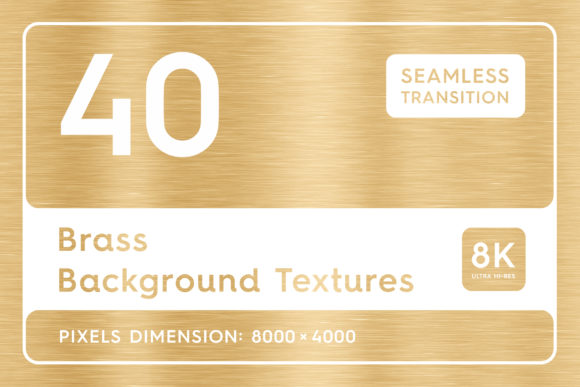
The inclusion of multiple colors in this pack allows for incredible flexibility. The silver variant offers a clean, futuristic look ideal for technology brands and automotive themes. Gold brings an element of prestige and opulence, perfect for award certificates, luxury branding, or high-end event invitations. Bronze provides a vintage, earthy warmth that works beautifully in heritage designs or rustic-industrial concepts. Finally, the red brushed metal option injects energy and passion, making it a standout choice for sports graphics, gaming interfaces, or bold marketing campaigns.
Technical Specifications for Professional Results
For any designer, the quality of source assets is paramount. Low-resolution images can pixelate when scaled, ruining the illusion of realism. This collection addresses those concerns head-on. Every texture in this set is rendered at 300 DPI (dots per inch), the industry standard for high-quality printing.
The dimensions of 12x12 inches are particularly useful. This square format is not only standard for digital scrapbooking but also provides a generous canvas for graphic designers. You can easily crop these images to fit letterhead, business cards, social media posts, or large format posters without losing clarity. Because the files are delivered as high-resolution .JPGs, they are compatible with virtually every design software on the market, including Adobe Photoshop, Illustrator, Canva, Procreate, and Microsoft Word.
Integrating Metal Textures into Modern Workflows
The versatility of these brushed steel metal textures means they fit seamlessly into a wide array of modern creative projects. Here is how professionals and hobbyists alike are leveraging these assets:
- Brand Identity and Logo Design: Adding a metallic background to a logo mockup can instantly help a client visualize their brand on physical products like signage, vehicle wraps, or product casing.
- Packaging Design: Simulate the look of premium metal tins or boxes before committing to expensive manufacturing prototypes. The gold and bronze options are particularly effective for cosmetic or gourmet food packaging.
- Digital Scrapbooking: The 12x12 inch format is tailor-made for digital memory keeping. Use the silver or red textures as backgrounds for photo mats, frames, or journaling cards to give your layouts a sophisticated, industrial edge.
- Web and UI Design: While web graphics often use lower resolutions, starting with a 300 DPI source allows you to scale down perfectly, ensuring crisp edges on retina displays. Metal textures work well for buttons, headers, and dashboard backgrounds in tech-focused applications.
- Print Marketing Materials: From flyers to brochures, a subtle brushed metal background can make text pop, especially when using white or contrasting font colors.
Why Choose Digital Over Physical Samples?
In the past, designers might have relied on photographing physical metal sheets or purchasing stock photos with restrictive licenses. This instant download package eliminates those hurdles. By receiving a .zip file immediately after purchase, you can begin your project within minutes. There is no waiting for shipping, no risk of damage during transit, and no inventory clutter.
Furthermore, digital papers offer consistency. When you photograph real metal, lighting conditions can create unwanted hotspots or shadows that are difficult to remove. These digitally generated textures provide a uniform lighting environment, ensuring that the focus remains on your design elements rather than distracting reflections. The ability to layer these textures in software also allows for non-destructive editing. You can adjust opacity, apply blending modes like "Overlay" or "Multiply," and add color overlays to customize the hue without degrading the original file quality.
Practical Tips for Using Brushed Metal Assets
To get the most out of your brushed steel metal digital paper textures, consider how you interact with light and shadow in your composition. Metal is inherently reflective. When placing text or vector graphics over these backgrounds, adding a slight drop shadow or an inner glow can enhance the illusion that the elements are sitting on top of the metal surface rather than just floating above it.
For those working in print, remember that metallic inks behave differently than standard CMYK inks. While these JPGs simulate the look of metal using standard ink profiles, they are excellent for proving concepts. If you are sending files to a professional printer, discuss whether they can accommodate metallic spot colors, or if printing these high-contrast textures on glossy stock will achieve the desired effect.
Another powerful technique is combining different textures from the pack. Try overlaying the red brushed texture with reduced opacity over the silver base to create a custom anodized aluminum look. Or, use the bronze texture as a mask to reveal parts of a photograph, creating a seamless integration between imagery and industrial design.
File Management and Organization
Upon downloading the .zip file, you will find 12 distinct .JPG files. It is good practice to organize these immediately into a dedicated asset folder within your project directory. Naming conventions matter; consider renaming the files based on their color and finish (e.g., Brushed_Steel_Silver_01.jpg, Brushed_Metal_Gold_02.jpg) to speed up your selection process during future projects. Since these are royalty-free digital papers intended for personal and commercial use (subject to the specific license terms provided with the download), they become a permanent part of your design toolkit.
The convenience of having a curated set of colors—silver, gold, bronze, and red—means you don't have to hunt for matching textures. They share the same grain structure and lighting logic, ensuring visual coherence if you need to use multiple variations within a single brand guideline or campaign.
Making the Right Choice for Your Project
When selecting a texture, think about the emotional response you want to evoke. Silver communicates efficiency, cleanliness, and innovation. Gold suggests wealth, tradition, and quality. Bronze implies durability, history, and craftsmanship. Red signals urgency, excitement, and power. By understanding these associations, you can strategically choose the appropriate brushed steel metal texture to reinforce your message.
Additionally, consider the legibility of your foreground elements. Highly detailed textures can sometimes compete with text. If you find the grain too busy, try blurring the texture slightly or lowering its contrast before adding your typography. Conversely, for background elements where detail is desired, keep the resolution sharp to showcase the fine lines of the brush strokes.
Ultimately, incorporating these 12x12 inch, 300 DPI digital papers into your library is an investment in efficiency and aesthetic quality. They bridge the gap between the digital and physical worlds, allowing you to create designs that feel substantial and real. Whether you are a seasoned graphic designer looking to expand your resource library or a DIY enthusiast creating invitations for a special event, these brushed metal textures provide the professional polish needed to make your work stand out.
Remember, since this is a digital download, you have immediate access to these tools. There is no need to wait for materials to arrive or worry about running out of stock. Simply unzip the file, import the JPGs into your preferred software, and start experimenting with the interplay of light, color, and industrial elegance today.